
What Makes a Slide Decision-Ready?
Rashesh Majithia
|
19 Feb, 2026
What Makes a Slide Decision-Ready?
Not all slides are built for decisions.
Some slides inform.
Some slides summarize.
Some slides report progress.
But very few slides are designed to move someone from understanding to action.
That gap is where most meetings stall.
Informational slides vs decision slides
An informational slide answers:
“What is happening?”
A decision-ready slide answers:
“What should we do about it?”
That distinction changes everything.
Many decks present data, charts, timelines, or updates. But they stop short of making the decision path clear. Executives are left thinking:
- What exactly are you asking for?
- What are my options?
- What happens if we choose A vs B?
- What is the risk of inaction?
If the slide does not answer these questions, the meeting becomes discussion instead of decision.
Why most slides delay decisions
Slides delay decisions when they:
- Present data without framing
- Show problems without recommendation
- Highlight risks without trade-offs
- Provide context without conclusion
- Ask for “thoughts” instead of commitment
When intent is unclear, leaders hesitate.
Not because they disagree. But because the decision has not been made easy.
The anatomy of a decision-ready slide
A decision-ready slide contains five elements:
1. Clear framing
The title should state the decision context.
Not: “Q3 Performance Overview”
But: “Approve Increased Marketing Spend for Q4”
The slide must declare its purpose upfront.
2. Focused context
Only the information necessary to support the decision should appear.
Not all background belongs on the slide. Only relevant background does.
3. Options with contrast
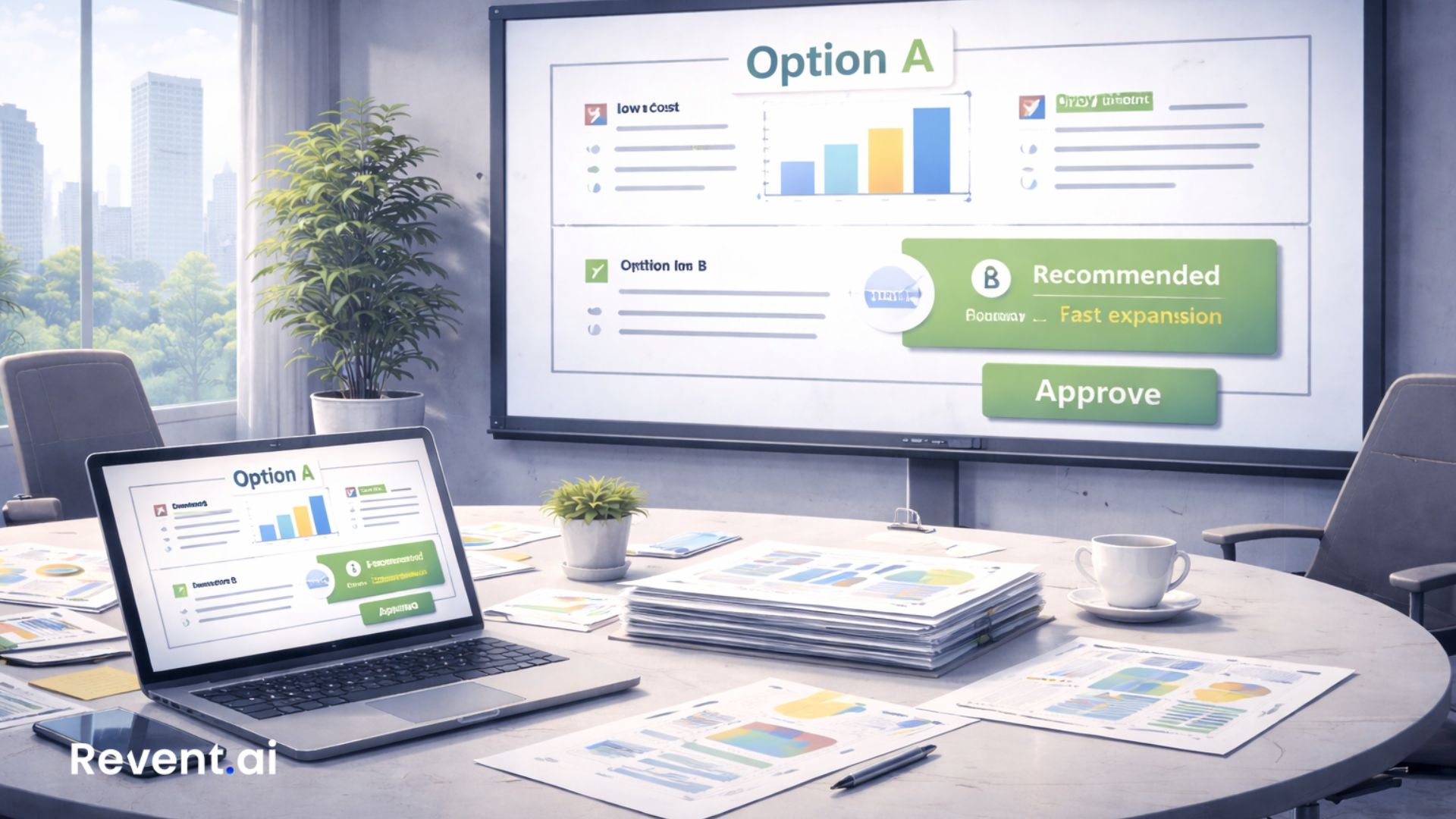
If multiple paths exist, show them clearly:
- Option A: Lower cost, slower growth
- Option B: Higher investment, faster expansion
Leaders decide between trade-offs. Make those trade-offs visible.
4. Recommendation
The presenter should not remain neutral.
Decision-ready slides clearly state:
“We recommend Option B.”
This signals ownership.
5. Implication of action or inaction
Clarify:
- What happens if we approve?
- What happens if we delay?
- What happens if we reject?
Decisions become easier when consequences are visible.
Why structure determines decision speed
Executives process information quickly.
They scan titles first. They look for:
- Risk
- Cost
- Impact
- Timing
- Trade-offs
If these are buried, they ask questions. If they ask questions, the meeting slows. If the meeting slows, decisions drift.
Structure is not cosmetic. It directly affects decision velocity.
The hidden cost of non-decision-ready slides
When slides are not decision-ready:
- Meetings multiply
- Follow-ups increase
- Teams rework decks
- Alignment weakens
- Momentum drops
Every unclear slide creates invisible friction.
High-performing teams reduce that friction.
Why manual slide creation makes this harder
Under time pressure, teams:
- Paste raw data
- Reuse old decks
- Avoid strong recommendations
- Hide behind neutral language
- Leave decisions implicit
Slides become safe. But safe slides rarely drive action.
Decision-ready slides require intent, structure, and clarity.
That discipline is hard to maintain manually.
How Revent supports decision-ready thinking
Revent helps teams move from information to intent.
When content is structured properly:
- Titles become statements
- Data becomes supporting evidence
- Steps become flows
- Options become clearly defined paths
Instead of assembling slides piece by piece, teams begin with clarity.
Revent does not decide for you. It forces your slide to reflect what decision is being supported.
That shift alone improves executive conversations.
A quick self-test
Look at your last deck.
Find the slide where you expected approval.
Now ask:
- Is the decision explicit in the title?
- Are trade-offs visible?
- Is a recommendation stated?
- Are consequences clear?
If not, the slide was informational. Not decision-ready.
Closing thought
Leaders do not struggle with decisions. They struggle with unclear framing.
A decision-ready slide reduces ambiguity.
It respects time. It shows ownership. It makes action easier.
Revent exists to help teams structure slides that move conversations forward instead of extending them.
👉 Build slides that drive decisions, not discussions.
Try Revent: https://www.revent.ai
Ready to Transform Your Presentations?
Create stunning AI-powered presentations in minutes
Related Blogs

Create Professional Presentations Fast with Revent AI Tool
Transform data into professional presentations in seconds with Revent AI's intelligent design and seamless branding integration.

Effortless and Professional Presentations-Quickly
Stunning presentations creation in a quick,smart and accurate way. Try Revent Today. Save Time Boost Productivity.
Transform Presentations with Storytelling Using Revent AI
Learn how storytelling transforms presentations into unforgettable experiences. Discover key tips and tools to captivate your audience effortlessly.