
Presentations Aren’t Documents. Stop Treating Them Like One
Rashesh Majithia
|
05 Feb, 2026
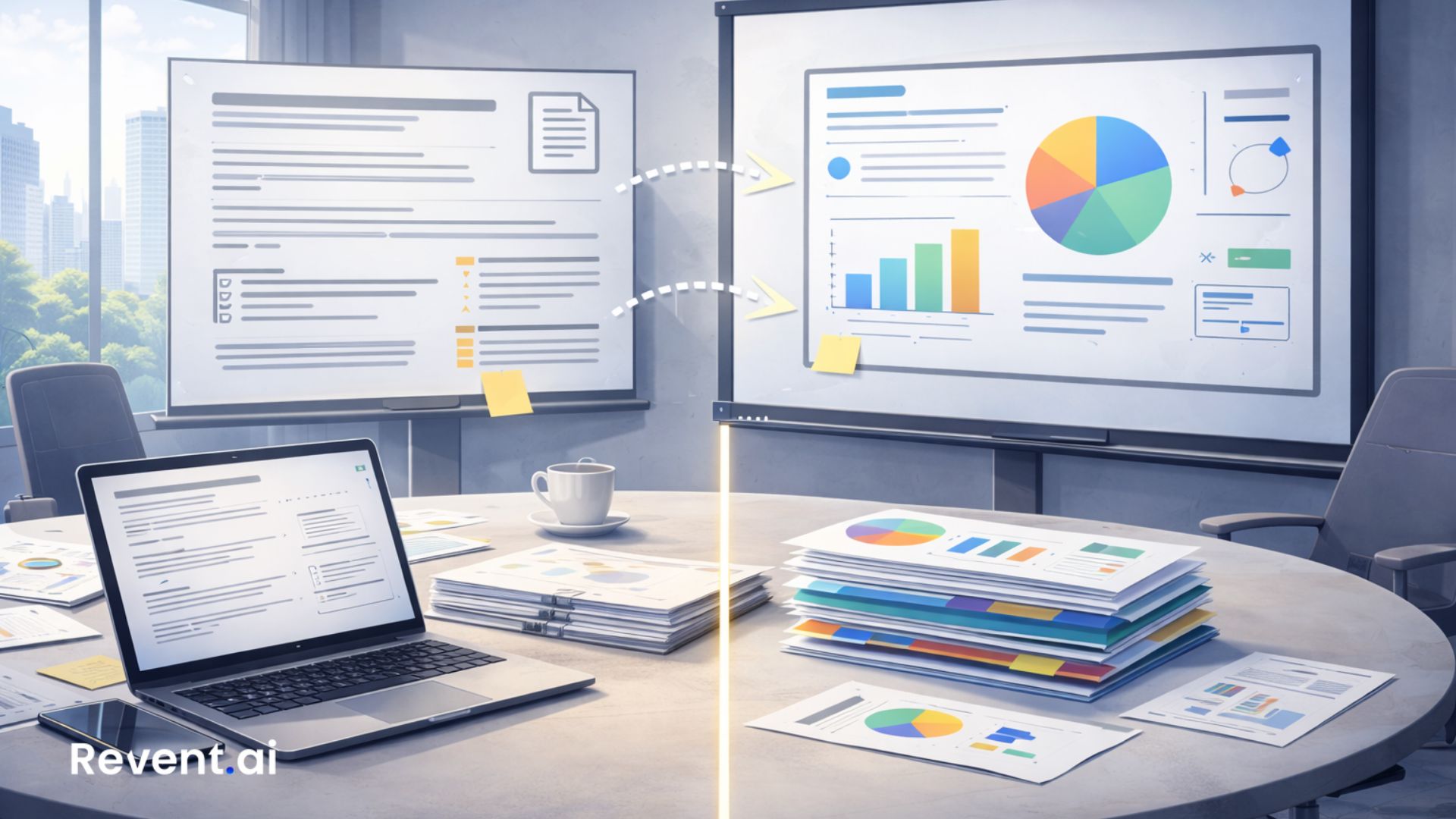
Presentations Aren’t Documents. Stop Treating Them Like One
Most presentation problems don’t start in PowerPoint.
They start much earlier, with a quiet assumption that feels harmless:
“If it reads well, it will present well.”
That assumption breaks more presentations than bad design ever could.
Because slides are not documents. And when teams treat them like documents, communication suffers.
Why this mistake keeps happening
Documents are built for reading.
Presentations are built for guiding attention.
Yet most decks begin life as:
- Reports
- Notes
- Strategy docs
- Meeting summaries
- Product specs
- Research papers
Teams copy content over, shrink the font, add bullets, and call it a deck.
The result looks complete, but it does not work.
Documents explain everything. Slides should not.
A document’s job is to be thorough. It answers every possible question.
A slide’s job is very different.
A slide should:
- Highlight the point
- Set context quickly
- Support spoken explanation
- Lead the audience forward
When slides try to behave like documents, they overload the audience.
People cannot read and listen at full speed at the same time. When forced to choose, they stop listening.
The signs your slides are actually documents
If you notice these patterns, your slides are doing the wrong job:
- Long paragraphs on slides
- Multiple ideas competing for attention
- Slides that only make sense when explained
- Important conclusions buried at the bottom
- Presenters saying “just read this later”
- Decks shared afterward with “some context missing”
These are not design issues. They are structural ones.
What happens when slides try to do too much
When slides act like documents:
- Meetings slow down
- Presenters overtalk
- Audiences disengage
- Decisions get delayed
- Follow-ups multiply
People leave with information, but not clarity.
That gap is costly.
Slides should reduce thinking effort, not increase it
A strong presentation slide does less, not more.
It answers one question clearly: “What should the audience understand at this moment?”
Good slides:
- Surface one idea at a time
- Show relationships visually
- Guide the eye naturally
- Make the takeaway obvious
They let the presenter add depth verbally instead of fixing confusion.
The real problem is structure, not content
Most teams do not struggle with ideas. They struggle with arranging them.
Documents flow top-to-bottom.
Presentations flow step-by-step.
Without structure:
- Processes feel messy
- Arguments feel scattered
- Stories feel incomplete
Structure is what allows slides to stand on their own.
Why manual slide building encourages document thinking
When people build slides manually, speed matters more than clarity.
They:
- Paste text instead of shaping ideas
- Stack bullets instead of sequencing logic
- Use narration to compensate later
- Rely on explanation to rescue weak slides
Over time, this becomes normal.
Slides stop being communication tools and become visual notes.
How Revent changes the starting point
Revent does not ask teams to think like designers.
It asks them to think clearly.
When you input text, steps, or prompts, Revent applies presentation logic automatically:
- Titles carry meaning
- Content is grouped logically
- Steps become flows
- Lists become structure
- Layouts reflect intent
This prevents document-style slides from forming in the first place.
When slides are built as presentations, not documents
Something shifts.
Presenters:
- Talk less and guide more
- Focus on insight instead of explanation
- Feel calmer and more confident
Audiences:
- Follow the story
- Ask better questions
- Reach decisions faster
- Remember the message
Slides finally do what they are meant to do.
A simple mindset change that fixes most decks
Before adding content to a slide, ask:
“If someone saw only this slide, what would they understand?”
If the answer is unclear, the slide needs structure, not more text.
Closing thought
Documents capture information.
Presentations move people.
When teams stop treating slides like documents, communication improves instantly.
Revent exists to make that shift easy, repeatable, and fast.
👉 Build slides that guide attention instead of demanding effort.
Try Revent at https://www.revent.ai
Ready to Transform Your Presentations?
Create stunning AI-powered presentations in minutes
Related Blogs

Create Professional Presentations Fast with Revent AI Tool
Transform data into professional presentations in seconds with Revent AI's intelligent design and seamless branding integration.

Effortless and Professional Presentations-Quickly
Stunning presentations creation in a quick,smart and accurate way. Try Revent Today. Save Time Boost Productivity.
Transform Presentations with Storytelling Using Revent AI
Learn how storytelling transforms presentations into unforgettable experiences. Discover key tips and tools to captivate your audience effortlessly.