
Beyond the Export: 5 Ways to Use AI Decks in Async Meetings | Revent AI
Rashesh Majithia
|
02 Apr, 2026
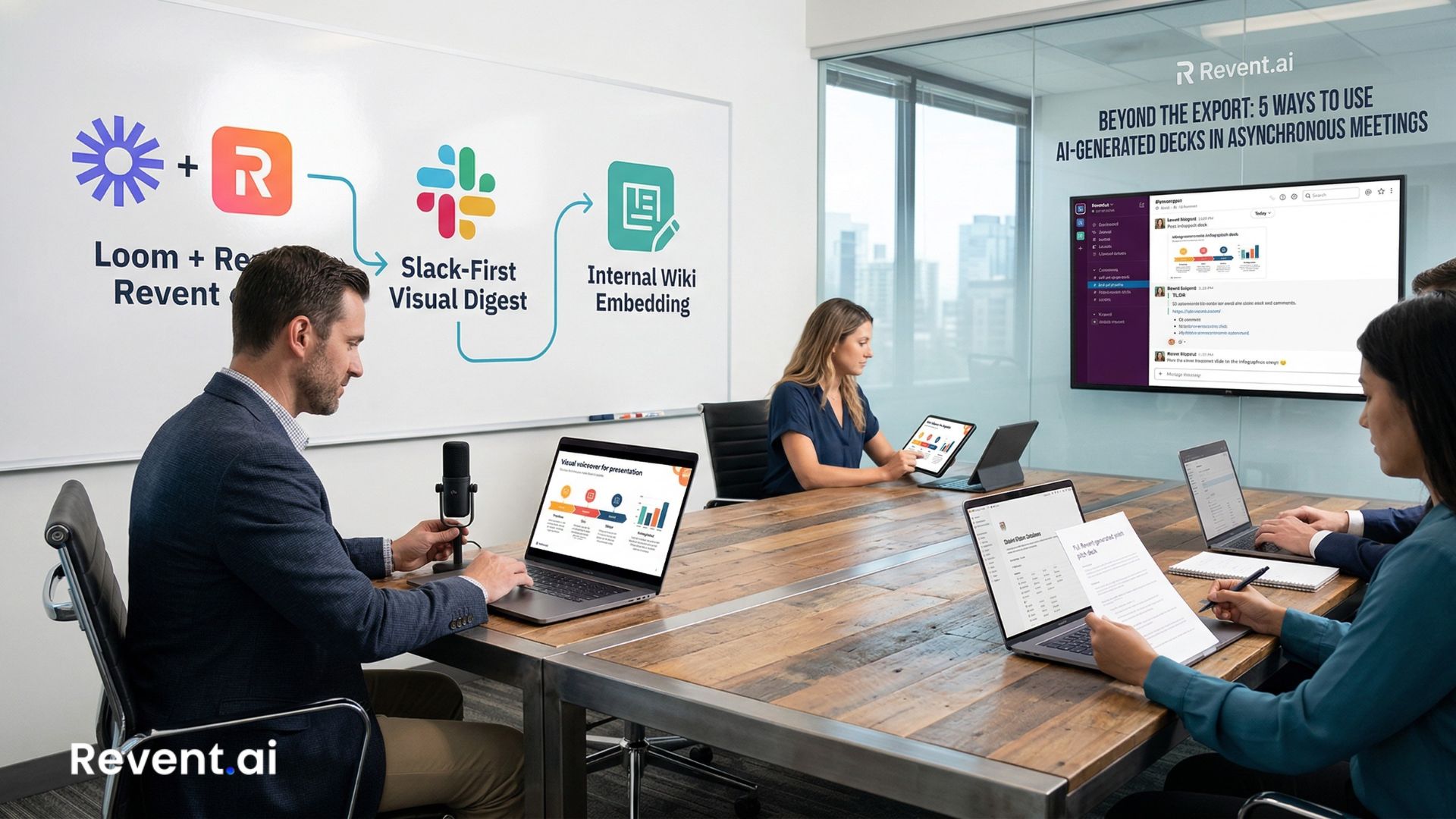
Beyond the Export: 5 Ways to Use Revent-Generated Decks in Asynchronous Meetings
The "live" presentation is dying. In a world of fragmented time zones and back-to-back Zoom fatigue, waiting for a synchronized 30-minute window to share information has become a massive organizational bottleneck.
Most teams treat a slide deck like a theatrical script—something that only has value when a "performer" is there to read it aloud. This mindset creates a "presentation debt" where projects stall because the right people aren't in the same digital room at the same time.
You have already started using Revent AI to slash your slide creation time from hours to seconds. But once you hit "Export," the value of those slides should not be limited to a one-time live performance. The real power of an AI-generated deck lies in its ability to act as a standalone knowledge asset.
When you move beyond the live presentation constraint, your decks stop being "scripts" and start being "systems." Here are five ways to integrate your exported decks into an asynchronous workflow that keeps momentum moving while you sleep.
1. The "Visual Voiceover" (Loom + Revent)
Instead of scheduling a meeting to "walk through" a deck, record a three-minute video. Because Revent creates clean, high-hierarchy slides with clear visual anchors, your audience can process the visuals instantly while you provide the spoken nuance.
The Workflow:
Export your Revent deck to PPTX, open it in your preferred editor, and record a Loom or Descript video.
The Benefit:
Stakeholders watch at 1.5x speed on their own time. You create a reusable asset for onboarding or client FAQs that lives forever, unlike a fleeting Zoom call that vanishes the moment you hit "End Meeting."
2. The "Slack-First" Visual Digest
Not every deck needs a full presentation. Sometimes, a deck is simply the most efficient way to visualize a complex update or a project milestone.
The Workflow:
Use Revent’s "Text-to-Infographic" tools to generate specific timeline, process, or funnel slides. Export these as high-resolution images and post them directly into a Slack or Microsoft Teams channel with a brief summary.
The Benefit:
It stops the "scroll-past" effect. A well-designed infographic slide commands significantly more attention than a wall of text in a chat thread. It turns a status update into a visual landmark.
3. The Living Internal Wiki (Notion & Confluence)
Static files often get buried in "Downloads" folders, never to be seen again. To maintain true "Presentation Systems," your decks should live exactly where your team works.
The Workflow:
Embed your exported PDF or PowerPoint directly into your Notion, Confluence, or Guru pages alongside project documentation.
The Benefit:
When a new team member joins, they do not just see a dry project description; they see the high-level visual strategy used to pitch it, preserved in its original context. It bridges the gap between raw data and executive vision.
4. The "Decision-Ready" Pre-Read
Executive teams are increasingly moving toward "silent starts," where the first 10 minutes of a meeting are spent reading. You can take this further by removing the meeting entirely for non-controversial updates.
The Workflow:
Send the Revent-generated deck 24 hours in advance with a specific "Comments Only" instruction in a shared drive or via email.
The Benefit:
By the time the "live" window opens, the "what" is already understood. You spend your synchronized time only on the "how" and the "why," often making the actual meeting 50% shorter or entirely unnecessary.
5. Automated Sales Leave-Behinds (API Integration)
If you use the Revent API to generate proposal decks, the export is not the end of the sales touchpoint—it is the beginning of the data trail.
The Workflow:
Integrate your export with a tracking tool like DocSend or HubSpot Documents.
The Benefit:
You see exactly which slides the prospect spent the most time on. If they spent three minutes on the "Process Timeline" slide Revent built for you, you know exactly what to highlight in your follow-up email. The deck becomes a diagnostic tool for buyer intent.
The Shift: From "Slides" to "Systems"
When you stop treating a deck as a script for a speech and start treating it as a portable unit of information, your productivity doubles. Revent AI handles the heavy lifting of design and structure so you can focus on where that information needs to travel to trigger a decision.
Stop waiting for a "good time to meet." Export, record, embed, and keep the momentum moving.
Build Decks That Work Even When You Aren't Talking
Revent AI turns your documents and prompts into professional, branded slides ready for any workflow. Whether it is for a live board meeting or a Slack update, get your point across faster.
Try Revent AI for Free →
Ready to Transform Your Presentations?
Create stunning AI-powered presentations in minutes
Related Blogs

Create Professional Presentations Fast with Revent AI Tool
Transform data into professional presentations in seconds with Revent AI's intelligent design and seamless branding integration.

Effortless and Professional Presentations-Quickly
Stunning presentations creation in a quick,smart and accurate way. Try Revent Today. Save Time Boost Productivity.
Transform Presentations with Storytelling Using Revent AI
Learn how storytelling transforms presentations into unforgettable experiences. Discover key tips and tools to captivate your audience effortlessly.